
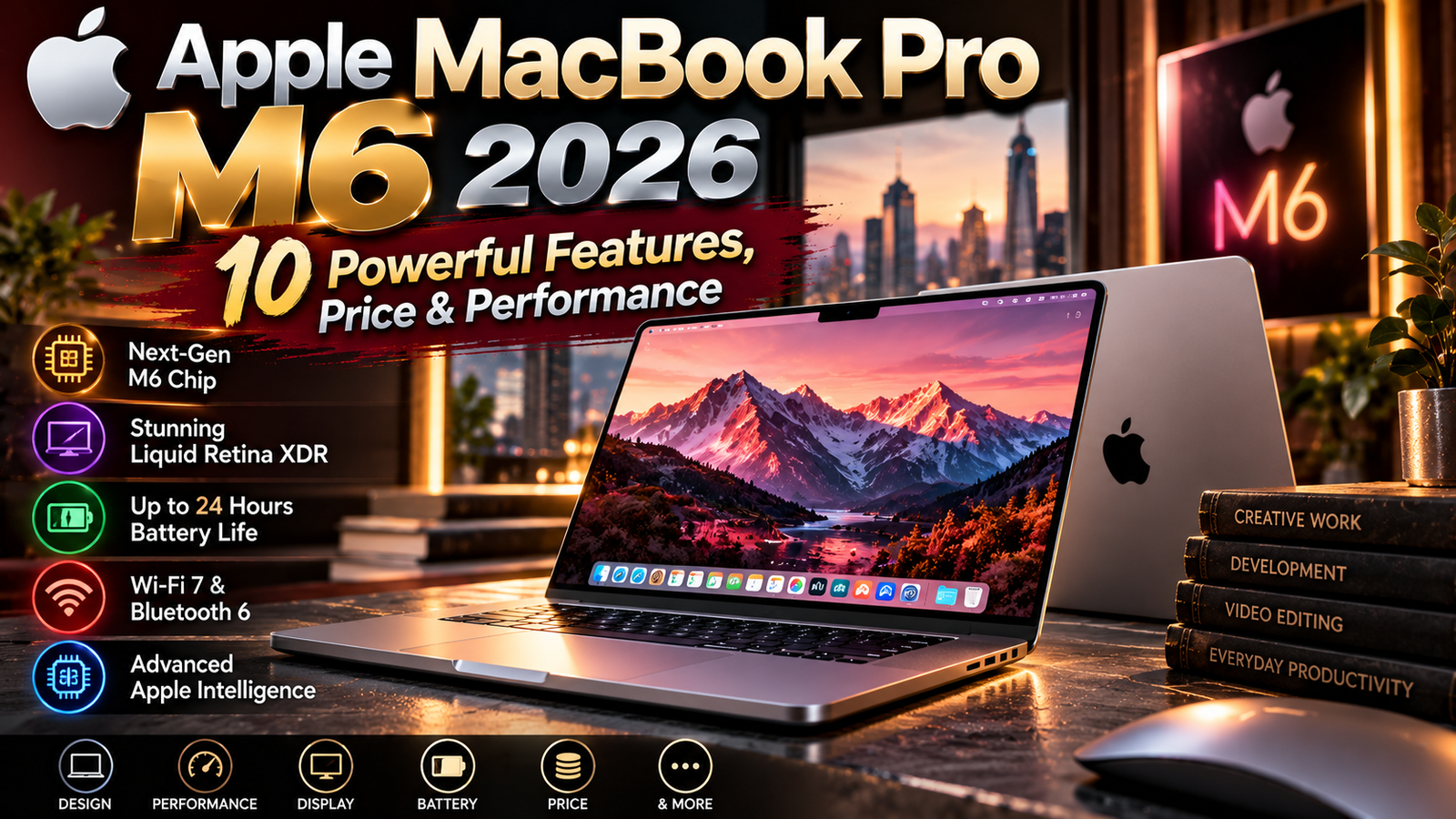
Apple’s latest professional laptop update brings a new chip, stronger graphics, upgraded wireless connectivity, and expanded on-device artificial intelligence capabilities. Announced on October 27, 2026, the new 14-inch MacBook Pro introduces the M6 processor in Apple’s notebook lineup. It is aimed at students, business users, developers, and creative professionals who need a powerful computer that remains portable.
The Apple MacBook Pro M6 2026 combines a 12-core CPU, a 12-core GPU, a dual 16-core Neural Engine, and claimed battery life of up to 24 hours. Apple also lists Wi-Fi 7, Bluetooth 6, a Liquid Retina XDR display, a 12-megapixel Center Stage camera, and a six-speaker sound system.
This guide reviews the confirmed specifications, explains who may benefit most, and highlights the details buyers should check before spending money. Since configurations and availability can vary by market, readers should confirm final details on Apple’s official website before ordering.
The Apple MacBook Pro M6 2026 targets professionals.
Separate Apple MacBook Pro M6 2026 specs from marketing claims.
1. What Is New in the 2026 MacBook Pro?
The Apple MacBook Pro M6 2026 is the 14-inch model announced by Apple on October 27, 2026. It brings the new M6 chip to the MacBook Pro family, focusing on faster processing, graphics, and AI-related workloads rather than a complete redesign of the laptop’s exterior.
For many buyers, the biggest changes are internal. Apple says the 12-core CPU and 12-core GPU each include two more cores than the previous M5 model. The chip also adds Neural Accelerators in each GPU core and a dual 16-core Neural Engine for machine-learning tasks.
The company says the updated model delivers up to 30 percent faster graphics and up to 25 percent faster on-device AI workloads compared with M5. These are Apple’s stated figures, so actual performance will depend on the application, workload, memory configuration, and other conditions.
See the official Apple announcement for the full launch details.
The Apple MacBook Pro M6 2026 is a performance refresh, not a complete redesign.
The Apple MacBook Pro M6 2026 suits buyers whose laptops feel slow.
2. M6 Chip: CPU, GPU, and AI Performance
The M6 processor is the core reason to consider this generation. Its 12-core CPU is designed to handle everyday productivity alongside more demanding tasks such as software compilation, large creative projects, and heavy multitasking.
The 12-core GPU targets graphics-heavy workloads, including 3D modeling, visual effects, image processing, and supported games. Apple also highlights a third-generation ray-tracing engine and Dynamic Caching, technologies intended to improve graphics processing efficiency.
The Apple MacBook Pro M6 2026 also emphasizes local AI processing. Neural Accelerators integrated into the GPU cores can support tasks such as image generation, AI upscaling, and large language model prompt processing. Apple claims up to 25 percent faster on-device AI performance than M5 and substantially larger gains for some workflows when compared with older M1 systems.
These claims should be treated as vendor benchmarks rather than universal guarantees. If you use specialist software, check whether its latest version supports Apple silicon optimizations and whether your workload benefits from GPU or Neural Engine acceleration.
The Apple MacBook Pro M6 2026 benefits apps optimized for its CPU, GPU, and Neural Engine.
Check benchmarks for your apps before choosing the Apple MacBook Pro M6 2026.
3. Display Quality for Creative Work
A professional laptop needs a screen that can handle detailed work as well as everyday browsing. The new 14-inch model uses Apple’s Liquid Retina XDR display, which is designed to deliver high contrast, deep blacks, and bright highlights.
Apple lists peak HDR brightness of up to 1,600 nits and a contrast ratio of 1,000,000:1. A nano-texture display option is also available for users who work in bright or challenging lighting conditions and want to reduce reflections.
For photographers, video editors, designers, and content creators, display quality can matter as much as raw processing power. However, buyers should still check their specific color-management requirements, external monitor setup, and preferred screen size before choosing a configuration.
The Apple MacBook Pro M6 2026 is offered as a 14-inch model in this announcement, so people who specifically need a larger 16-inch display should verify whether a suitable alternative is available in their market.
Assess the Apple MacBook Pro M6 2026 display against your color workflow.
Its display may appeal to photographers and video editors considering the Apple MacBook Pro M6 2026.
Read more: about zarovviraf153: 9 Powerful Ways to Explore This Unknown Online Term
4. Battery Life and Portable Productivity
Apple advertises up to 24 hours of battery life, making endurance one of the key selling points. Actual battery performance depends on screen brightness, wireless activity, applications, background processes, and the intensity of the workload.
For students and professionals who move between classes, meetings, studios, and travel, a long-lasting battery can reduce the need to search for power outlets. It can also make short working sessions easier when carrying a charger is inconvenient.
The Apple MacBook Pro M6 2026 is designed to maintain strong performance while running on battery, according to Apple. Nevertheless, demanding tasks such as video exports, 3D rendering, and sustained AI processing may consume power more quickly than lightweight browsing or document editing.
Apple also states that fast charging can reach 50 percent in around 30 minutes when paired with a compatible higher-wattage USB-C power adapter. Check the included adapter and regional package details before purchase.
Battery life is another factor to consider when deciding whether the Apple MacBook Pro M6 2026 fits a mobile routine.
People who frequently travel may appreciate the Apple MacBook Pro M6 2026, but should compare real-world battery tests when available.
5. Connectivity, Ports, and Wireless Upgrades
The updated MacBook Pro includes Wi-Fi 7 and Bluetooth 6, offering newer wireless standards than those found on the preceding M5 model. The practical benefit depends on the router, accessories, network conditions, and other connected devices.
For wired connectivity, Apple lists three Thunderbolt 4 ports, HDMI, MagSafe 3, an SDXC card slot, and a headphone jack. This selection can help creators transfer media, connect external displays, charge the laptop, and attach professional accessories without relying entirely on adapters.
Apple says the laptop supports up to two external displays. Users with complex multi-monitor workstations should confirm the supported display resolutions and refresh rates for their intended setup.
The Apple MacBook Pro M6 2026 could be especially convenient for photographers and video professionals who regularly work with SD cards, external storage, and high-resolution displays.
The Apple MacBook Pro M6 2026 offers a useful mix of wireless standards and physical ports for a portable workstation.
Check peripheral compatibility before buying the Apple MacBook Pro M6 2026 for a multi-display desk setup.
6. Camera, Microphones, and Speakers
Remote meetings and online collaboration are part of many professional workflows. Apple includes a 12MP Center Stage camera with Desk View, along with a three-microphone array and a six-speaker sound system supporting Spatial Audio.
The camera is designed to keep users framed during video calls, while Desk View can provide a view of the desk area for demonstrations. The microphone array aims to capture clear speech, and the speaker system can improve media playback without requiring external speakers for every task.
For creators who record podcasts, voiceovers, or professional video, built-in audio features may be useful for quick previews and meetings. However, dedicated microphones, headphones, and external cameras may still provide better control for specialized production.
The Apple MacBook Pro M6 2026 brings these communication features together with the chip and display upgrades, making it suitable for hybrid work as well as creative tasks.
These built-in tools make the Apple MacBook Pro M6 2026 practical for meetings, presentations, and content previews.
Teams that use the Apple MacBook Pro M6 2026 for calls should still test their preferred conferencing apps and accessories.
7. macOS 27 and Apple Intelligence
Apple says the new MacBook Pro runs macOS 27, which includes updates to Siri AI and Apple Intelligence features across supported applications. The announcement describes a more conversational assistant, systemwide writing and editing features, and tools integrated into apps.
Apple also highlights Safari features for organizing tabs and tracking certain website changes, as well as automation creation in Shortcuts through natural-language descriptions. Availability of individual features can depend on language, region, account settings, and supported hardware or software versions.
The Apple MacBook Pro M6 2026 is designed to use on-device AI processing for supported tasks, which can reduce reliance on remote servers for some operations. Local processing does not mean every AI feature runs entirely on the device, so users should check the privacy and processing details for the specific feature they intend to use.
For software compatibility and system requirements, consult Apple’s MacBook Pro page and current macOS documentation.
The Apple MacBook Pro M6 2026 combines new hardware with Apple’s current software direction, but feature availability can vary.
Privacy-conscious buyers should review how each AI feature works on the Apple MacBook Pro M6 2026 before enabling it.
8. Memory, Storage, and Configuration Choices
Apple lists 16GB of unified memory as standard, configurable up to 32GB, with memory bandwidth reaching up to 170GB/s. The right amount depends on the applications you use and how large your projects become.
For everyday productivity, web research, office applications, and moderate creative work, a base configuration may be enough. Developers working with large projects, creators using multiple professional applications, or users running local AI models may benefit from additional memory.
Storage deserves equal attention. Large video libraries, high-resolution photography, development environments, and AI assets can consume space quickly. Choose a capacity that fits your normal workflow and budget, and account for external storage if you regularly work with large files.
Before purchasing the Apple MacBook Pro M6 2026, compare the total cost of memory and storage upgrades with the cost of external drives or cloud storage. Some upgrades cannot be added later, so it is worth planning ahead.
A well-chosen configuration can help the Apple MacBook Pro M6 2026 remain useful for several years.
Think about future project sizes when configuring the Apple MacBook Pro M6 2026, because memory choices are important upfront.
9. Price, Preorders, and Availability
Apple announced a starting price of $1,999 in the United States for the 14-inch MacBook Pro with M6, with an education price of $1,899. Preorders are scheduled to begin October 28, 2026, with availability starting November 6 in the countries and regions listed by Apple.
Prices outside the United States may differ because of taxes, currency exchange, import costs, and local retail policies. Buyers in Pakistan should check authorized sellers, warranty terms, keyboard layout, and the final price in Pakistani rupees before committing to a purchase.
The Apple MacBook Pro M6 2026 should be compared by total configuration cost, not only by its headline starting price. A higher-memory or larger-storage model may cost substantially more than the base version.
Check the Apple Store or local authorized resellers for current availability and any regional promotions. Avoid assuming that every configuration will be in stock immediately after the launch.
Regional taxes and reseller margins can make the Apple MacBook Pro M6 2026 cost more than the U.S. starting price suggests.
Always confirm warranty coverage and return terms before ordering the Apple MacBook Pro M6 2026 from a third-party seller.
10. Who Should Buy It?
The new model may be attractive to people upgrading from an older Intel-based Mac or an early Apple silicon laptop. Apple claims major performance improvements over M1 for selected graphics, AI, rendering, and software-build workloads.
Students who need a reliable laptop for demanding courses, developers who compile projects frequently, and creators who edit media may find the combination of performance, display quality, and battery life appealing.
However, owners of a recent high-performance MacBook Pro should compare their current workload with the actual benefits of upgrading. A new chip does not automatically justify replacing a laptop that already performs well.
The Apple MacBook Pro M6 2026 may be excessive for users who only browse the web, attend video calls, and edit basic documents. A less expensive MacBook or another laptop could provide better value for those needs.
The Apple MacBook Pro M6 2026 is easier to justify when its performance improvements save meaningful time each week.
For light everyday tasks, the Apple MacBook Pro M6 2026 may offer more power than many users actually need.
Read more: TimeWarp TaskUs: A Smart Solution for Modern Productivity and Customer Support
Frequently Asked Questions
What is the Apple MacBook Pro M6 2026?
It is Apple’s newly announced 14-inch MacBook Pro powered by the M6 chip, with upgraded CPU and GPU cores, on-device AI capabilities, Wi-Fi 7, and advertised battery life of up to 24 hours.
How much does it cost?
Apple lists a U.S. starting price of $1,999, or $1,899 with education savings. Local pricing and configuration costs can vary.
When will it be available?
Apple says preorders begin October 28, 2026, and availability starts November 6 in supported markets.
Is it suitable for video editing and development?
It is designed for professional workloads, including creative applications and software development. Actual performance depends on the applications, configuration, and project complexity.
Should M5 owners upgrade?
They should compare measured performance benefits with the cost of upgrading. People with demanding workflows may benefit more than users whose existing laptop already meets their needs.
Anyone evaluating the Apple MacBook Pro M6 2026 should check Apple’s latest regional listings for final details.
Compare your current laptop’s performance with the Apple MacBook Pro M6 2026 before deciding to upgrade.
Consider memory, storage, warranty, and your most-used applications when budgeting for the Apple MacBook Pro M6 2026.
Ultimately, the Apple MacBook Pro M6 2026 is most useful when its capabilities match a real workload.
Conclusion
Apple’s 2026 MacBook Pro update focuses on processor performance, graphics, local AI workloads, wireless connectivity, and battery endurance. The 14-inch design retains the professional features users expect, including a Liquid Retina XDR display, a broad selection of ports, and a capable camera and audio system.
The Apple MacBook Pro M6 2026 looks most compelling for users who can take advantage of its processing power, graphics acceleration, or AI features. Buyers should still compare configuration prices, check software compatibility, and confirm local availability before making a decision.
Disclaimer
Specifications, performance claims, pricing, and availability in this article are based on Apple’s published announcement as of October 28, 2026. Real-world results vary by workload and configuration. Verify current details on Apple’s official website before purchasing.
